3D Models Versus Crochet Sketches for Designers
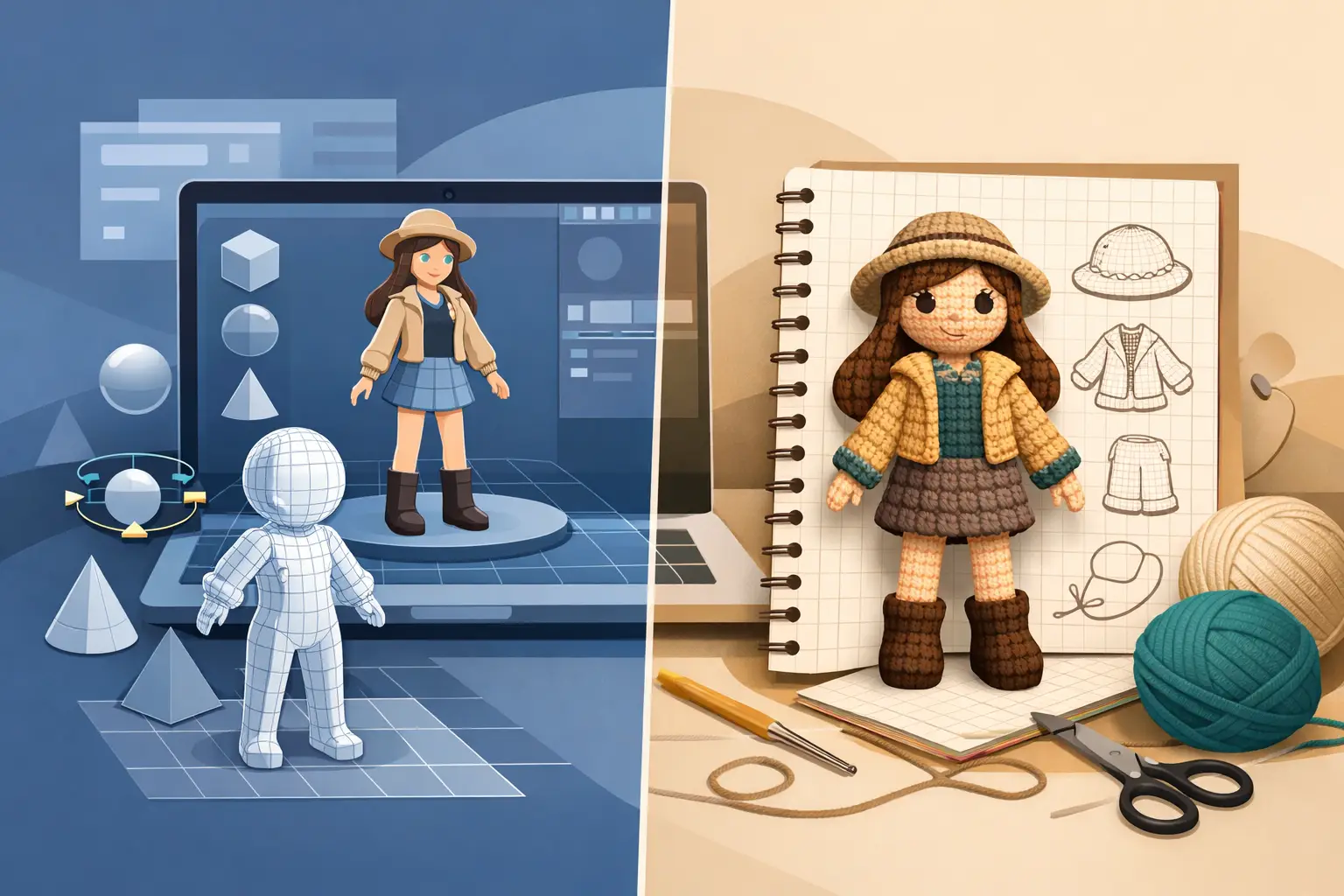
A sketch can capture the charm of a sleepy fox, a tiny dragon, or a collectible doll in minutes. But when it is time to turn that idea into a pattern customers can buy, 3D models versus crochet sketches becomes a business decision, not just a creative preference. One helps you communicate the concept. The other helps you validate the construction. If you are weighing up the options, we compared the tools that turn a crochet pattern into a 3D model side by side.
For amigurumi designers, the goal is not simply to make a cute character. The goal is to write instructions that another crocheter can follow, test, finish, and feel proud to share. That requires a clear view of shape, proportion, assembly, and the small decisions that are easy to miss when your design exists only in your head or on paper.
3D Models Versus Crochet Sketches: What Each Does Best
Crochet sketches are fast, expressive, and familiar. They are excellent at capturing personality before you have worked out every stitch. A loose drawing can show whether ears should sit high or low, whether a body feels round or elongated, and whether a face has the right mood. For early concept work, that freedom matters.
A 3D model answers a different question: can this object actually be built the way the pattern describes? It turns the design into a visual structure you can inspect from every angle. Instead of assuming the proportions you drew will survive the hook, you can see the shape each piece actually builds, and how those pieces sit on each other. Instead of hoping a color change lands at the right height, you can check it before sending the pattern to testers.
Neither format replaces the other in every situation. A sketch is often the quickest way to start. A model is the stronger tool when the idea needs to become a repeatable digital product.
Where Crochet Sketches Still Earn Their Place
Sketching is not an outdated step. It is a low-pressure way to generate options without committing to a final construction plan. Many designers sketch several versions of the same character before choosing the one worth prototyping.
Use a crochet sketch when you are deciding on the creative direction. It is especially useful for exploring silhouettes, facial expressions, accessories, color palettes, and collections built around a shared theme. A sketch also makes it easier to compare broad ideas side by side. You may quickly see that your bear needs shorter legs, your mushroom house needs a larger cap, or your doll needs a more distinctive outfit.
The limitation is precision. A two-dimensional drawing cannot reliably show how stuffed pieces will behave once they are crocheted, shaped, and sewn together. Perspective can hide uneven proportions. A side view may look perfect while the front view is too narrow. A cute accessory may block the face or interfere with arm placement once it has physical volume.
That does not make sketches less valuable. It means they should not carry the full burden of pattern validation.
Sketches communicate intention, not construction
A customer does not buy your original drawing. They buy the result of your decisions: the stitch counts, shaping, assembly order, color changes, and finishing details that create the character. A sketch can inspire those decisions, but it cannot confirm them.
If your workflow ends with a sketch and handwritten notes, you are likely to find major issues later: during sample making, tester feedback, or customer support. Each late change can affect photos, page layouts, translations, supply lists, and launch timing.
Why 3D Models Improve Pattern Accuracy
A 3D model gives your pattern a visual source of truth. As you write each component, you can inspect the silhouette it builds, its real dimensions in the yarn you chose, and whether the finished proportions match the design you intended to sell. Place the components on each other and the same check covers the whole character, which is the proportion question a single piece can never answer on its own.
This is particularly useful in amigurumi because construction is cumulative. A small adjustment to an increase round can change the entire silhouette. A decrease placed two rounds early turns a dome into a cone. A head that comes out narrower than the sketch changes the whole expression. These are not minor visual details. They shape the customer experience of making the project.
With an interactive model, you can catch problems while they are still inexpensive to fix. You can rotate each piece, inspect it from the back, see where every color round lands, and notice gaps in the construction logic before you export a PDF. That is a faster, more controlled process than discovering the issue after a tester has completed the full piece.
Better visuals create better instructions
Clear written directions remain essential. A 3D model does not excuse vague language or incomplete stitch counts. What it does is help you write with greater confidence because you can see the object those instructions are meant to produce.
For example, “attach the arms evenly” is not enough for a paid pattern. Even placement needs a defined location, a clear orientation, and a result the maker can verify. Visualizing the model helps you identify where instructions need more specificity. It can also reveal when an assembly sequence should change to make finishing easier for the customer.
The result is a pattern that feels intentional rather than improvised. That difference protects your reputation, reduces avoidable questions, and gives buyers more confidence in future releases.
Choose the Tool Based on the Stage of Work
The strongest workflow is not sketching or modeling. It is knowing when each tool moves the project forward.
Start with a sketch when you need to explore. Let it be quick and imperfect. Use it to make creative choices before you spend time refining stitch-level details. Then move into a 3D model when you are ready to define the structure and test whether the design reads correctly from every angle.
From there, write the pattern alongside the model. This keeps the written instructions and the visual object connected as the design evolves. If you revise the tail, ears, outfit, or head shape, you can immediately check the shape the revised rounds build instead of managing disconnected files and trying to remember which version is current.
This matters even more when your catalog grows. A one-off design can survive a messy process. A business built on regular releases, testing cycles, translated editions, and polished PDFs needs a workflow that reduces rework.
When a Sketch Is Enough, and When It Is Not
A simple flat appliqué, small accessory, or familiar geometric shape may not require deep 3D planning. If the construction is straightforward and the finished form is easy to predict, a sketch plus a sample may be sufficient.
But modeling becomes far more valuable when the design includes rounded anatomy, multiple attached pieces, unusual proportions, complex color placement, clothing, or pose-dependent details. Dolls, animals, fantasy creatures, and collectible characters often depend on those relationships. The more your design relies on proportion and assembly, the more a 3D view earns its place.
Think about the cost of being wrong. If changing an ear angle means rewriting two sentences, the risk is low. If it means remaking a sample, reshooting photos, revising a 20-page PDF, and asking testers to recheck assembly, validating early is the smarter commercial choice.
Build a Sellable Pattern, Not Just a Finished Sample
A beautifully crocheted sample proves that you can make the design. It does not automatically prove that a customer can make it from your instructions. Pattern publishing requires a repeatable system: write the steps, inspect the result, refine the details, test the experience, and export a professional product.
That is where a creator-focused workspace changes the pace of your business. Amigurumake brings pattern writing and interactive 3D visualization into the same workflow, so your concept does not get lost between a sketchbook, notes app, document editor, and layout tool. You can see the construction as you write, prepare a polished PDF, and move toward testing, translation, and sales with fewer handoffs.
Your sketch can still be the spark. Your 3D model can be the checkpoint that turns that spark into a pattern buyers understand. Give both tools a role, then let your publishing workflow do what it should: help your best ideas reach customers in a form they can successfully make.