Crochet Software Versus Word Processors
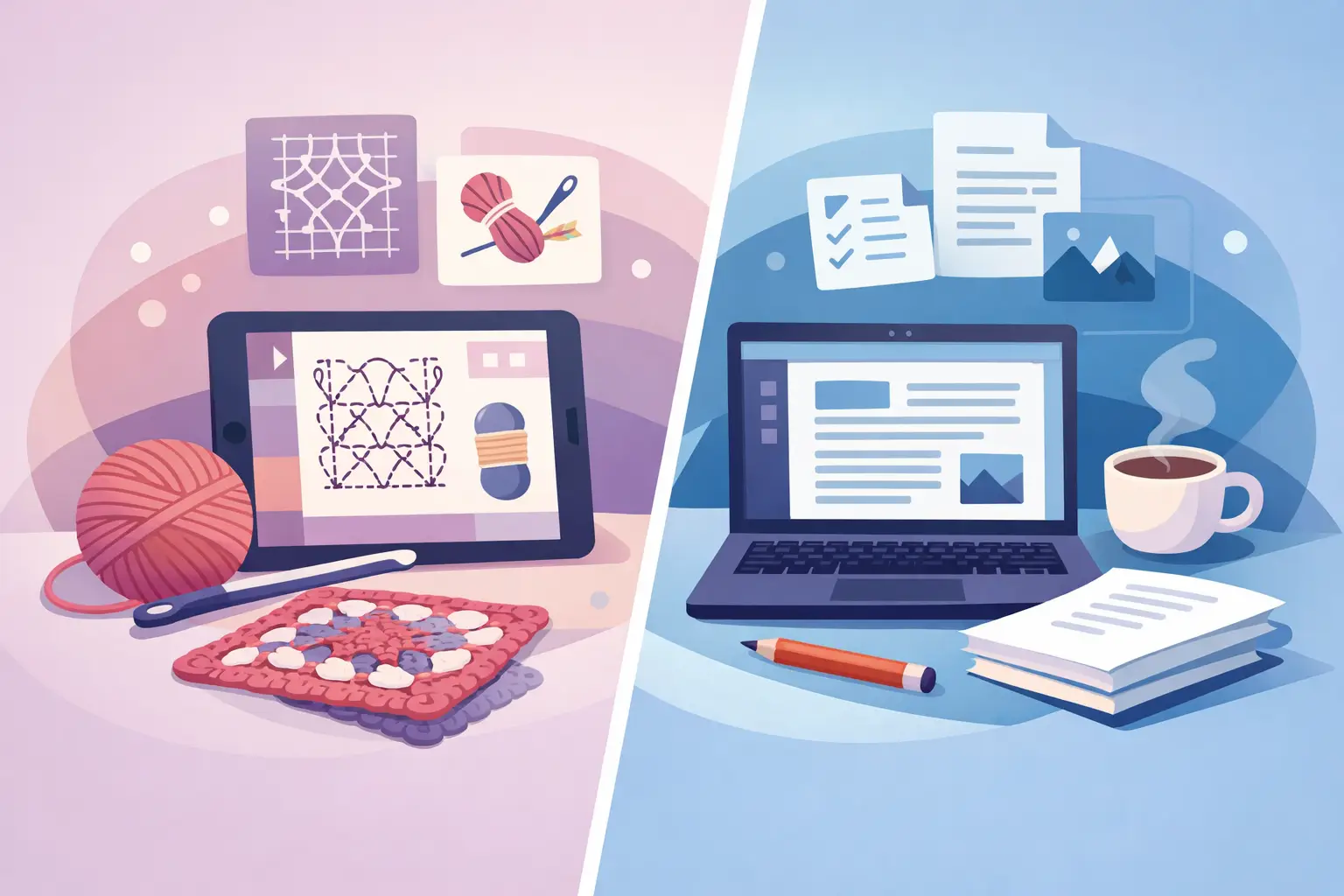
A word processor can hold your crochet instructions. That does not mean it can help you build a pattern someone else can confidently make. Crochet software versus word processors is really a choice between adapting a general writing tool and working in a studio built around the path from idea to sellable amigurumi pattern.
For a casual one-off project, a document may be enough. For a designer creating a character collection, testing instructions, preparing translations, and selling polished PDFs, the gaps show up quickly. Your pattern is not just text. It is a product, a visual object, and a customer experience.
Crochet Software Versus Word Processors: The Real Difference
Word processors are designed for essays, reports, and business correspondence. Their job is to place words on a page, apply styles, and export a file. That flexibility can be useful, especially when you already know the tool well.
But amigurumi patterns have a different structure. They include rounds, stitch counts, increases and decreases, component assembly, safety notes, color changes, photos, and sometimes several pieces that must fit together precisely. A general document editor does not understand any of that context. You create the structure manually, then keep maintaining it manually as the design changes.
Crochet software starts from a different question: what does a pattern designer need to write, inspect, validate, publish, and sell? The result is a workflow that supports the pattern as a designed object rather than a block of formatted text.
This distinction matters most when your catalog grows. One pattern can survive a messy file. Ten patterns with multiple revisions, tester comments, and localized editions can become an administrative problem that steals time from design work.
Write Instructions Without Building a Document From Scratch
A word processor gives you a blank page. That can feel familiar, but it also means every useful pattern element needs to be created or copied into place. You may build tables for materials, manually align round numbers, adjust image sizes, and search for the right version of a repeated section. (There is a reason formatting a crochet pattern has become its own craft.) If you update a component later, you need to make sure every related instruction still agrees.
That approach works when the pattern is simple and the stakes are low. It becomes fragile when the project has a head, body, limbs, accessories, and assembly steps that must all stay clear. A single missed stitch-count edit can lead to a failed tester result or a customer who cannot finish the project.
Purpose-built crochet software gives the writing process more structure. You can focus on the logic of the instructions while the workspace helps keep components, rounds, and presentation organized. Instead of designing a document system each time, you use a repeatable production process.
That does not replace design judgment. You still decide how much explanation a beginner needs, where a photo clarifies a tricky step, and when an assembly instruction needs a measurement. It simply removes repetitive document work that does not improve the pattern itself.
See the Design Before a Customer Finds the Problem
This is where general word processors reach their limit. They can display a photo of your finished plush, but they cannot help you inspect the construction implied by your written instructions. A photo proves that you made a sample. It does not always prove that the pattern communicates how to make one.
For amigurumi designers, 3D visualization changes the review process. You can see each component as the pattern takes shape, place the components on each other to inspect proportions, and catch issues before the instructions reach testers or buyers. If an arm comes out shorter than you pictured, a head widens a round too early, or a component does not match your intended silhouette, you have useful information while revisions are still easy.
This is especially valuable for designers who develop original characters. Your visual identity often depends on proportion. A tiny adjustment to an increase round or a component size can change whether a creature reads as cute, balanced, expressive, or collectible.
A word processor can document those changes after you make them. Crochet software can support the decision while you are making it. That is a meaningful difference when accuracy and speed both affect your income.
Testing Is More Than Sending a Draft
Many designers manage tester calls through spreadsheets, email threads, direct messages, and copied document versions. It is possible, but it creates scattered feedback. One tester may flag a missing color change in a comment. Another may send a photo in a message. A third may be working from an older PDF because the latest update was never clearly distributed.
A professional pattern workflow needs a cleaner handoff. You need to know what version is being tested, what feedback applies to which section, and what has changed before publication. The goal is not to make testing formal for its own sake. The goal is to make it easier for testers to give feedback you can actually use.
Word processors are good at revision marks, but they are not built around a crochet test cycle. Specialized software can keep pattern development closer to the testing and publishing process, so your final export reflects resolved feedback rather than a last-minute collection of edits.
If you are writing your first paid pattern, even a simple organized process builds trust. If you already sell regularly, it protects your reputation. Customers remember patterns that are clear, complete, and pleasant to follow.
Translate Without Rebuilding the Pattern
Translation is one of the clearest examples of why a general document workflow can become expensive in time. A translated pattern is not just copied text in another language. It needs consistent terminology, readable formatting, accurate stitch instructions, and a layout that still feels like your brand.
In a word processor, each language version often becomes a separate file to maintain. Update the original and you may need to repeat the change across every edition. Add a new photo, revise a materials list, or correct an assembly note, and version control becomes the hidden job behind your creative business.
Crochet software designed for multilingual publishing treats localization as part of product development. That matters when you want to serve an international customer base without creating a separate manual production pipeline for every language. It also helps you think bigger about your pattern catalog. A strong design can have a longer commercial life when more makers can understand and enjoy it.
There is still a trade-off. Translation tools do not remove the need for careful review, particularly with regional terminology and nuanced instructions. They do, however, reduce the repetitive setup work that makes expansion feel out of reach.
Export a Product, Not Just a File
Buyers judge a digital pattern before they crochet the first stitch. They notice whether the cover looks intentional, whether the page hierarchy is easy to scan, whether images are placed where they are needed, and whether the PDF feels complete. Presentation supports usability, and usability supports repeat customers.
A word processor can export a PDF, but it gives you broad formatting controls rather than a pattern-specific publishing path. You may spend time fixing page breaks, resizing images, adjusting headings, and checking whether your tables shifted in the final file. The document can look good, but the process is often inconsistent from one pattern to the next.
With crochet software, export is the final step of a connected workflow. Write the pattern, inspect the model, finalize the presentation, and generate a sale-ready PDF. That consistency is useful whether you sell a single premium design or release new patterns every month.
Amigurumake brings that workflow into one creator-focused workspace, including 3D visualization, tester calls, translation support, pricing, inventory tools, and polished PDF exports. The point is not to add more software to your business. It is to replace a patchwork of manual tasks with a process that supports the way you actually create and sell.
When a Word Processor Is Still the Right Tool
Word processors are not obsolete. They are a sensible choice for personal notes, rough brainstorming, a free mini pattern, or a simple project you never plan to update or sell. They are also useful for writing supporting materials that do not depend on crochet-specific structure.
The question is not whether a document editor can make a PDF. It can. The question is whether its manual workflow still serves you once your designs become products with customers, feedback, revisions, translations, and a growing catalog. And once you decide the answer is no, the next question is which tool to move to; our crochet software review compares the options honestly, including where each one falls short.
If pattern writing is becoming a business, choose tools that let your creativity move forward instead of forcing it through a blank page. Your next character deserves more than a finished document. It deserves a clear path from the first round to a product makers are excited to buy.